
Top 10 WordPress Security Tips Every Website Owner Should Know
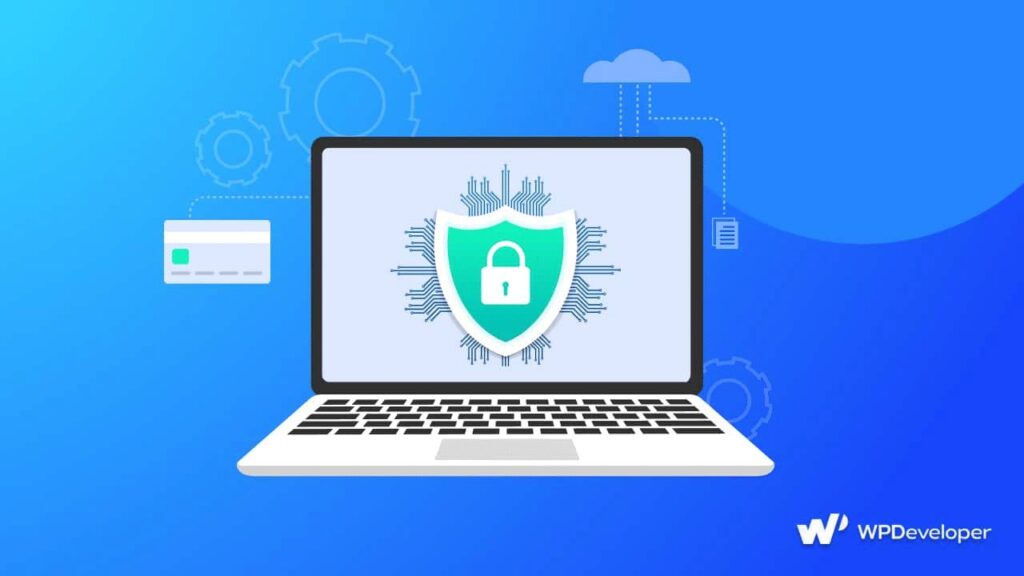
Top 10 WordPress Security Tips Every Website Owner Should Know Protect your WordPress website from hackers, malware, and data loss with these simple but effective security best practices. Keeping your WordPress website secure is one of the most important responsibilities of every website owner. Cyberattacks, malware, and hacking attempts happen every day, but the good news is that most security risks can be prevented by following a few simple best practices. In this guide, you’ll learn ten essential WordPress security tips that can help protect your website, your visitors, and your valuable data. WordPress Security Facts Did You Know? Thousands of WordPress Websites Are Targeted Every Day Because WordPress is the world’s most popular content management system, it is also one of the biggest targets for cybercriminals. Most attacks are automated and look for websites with weak passwords, outdated plugins, or poor security settings. Most WordPress Hacks Are Preventable The majority of successful attacks occur because website owners forget to update WordPress, use weak passwords, or install plugins from untrusted sources. Following basic security practices can significantly reduce your risk. Security Is an Ongoing Process Website security isn’t something you set up once and forget. Regular updates, backups, malware scans, and monitoring are essential to keep your website protected against new threats. A Secure Website Builds Trust Visitors are more likely to trust websites that load securely using HTTPS, display no security warnings, and provide a safe browsing experience. Good security also protects your search engine rankings and business reputation. Top 10 WordPress Security Tips 1. Keep WordPress Updated Always install the latest version of WordPress as soon as updates become available. Updates often include important security patches that fix newly discovered vulnerabilities. Why it matters Protects against known exploits Improves website performance Adds new features and bug fixes 2. Use Strong and Unique Passwords Weak passwords are one of the easiest ways hackers gain access to websites. Use long, unique passwords containing uppercase letters, lowercase letters, numbers, and special characters. Best Practices Avoid using “admin” as your username. Never reuse passwords across multiple websites. Consider using a password manager. 3. Enable Two-Factor Authentication (2FA) Two-factor authentication adds an extra layer of security by requiring a second verification step, such as a code sent to your phone or generated by an authentication app. Benefits Prevents unauthorized logins Protects even if your password is stolen Increases overall account security 4. Install a Trusted Security Plugin A quality security plugin can monitor your website, detect malware, block suspicious traffic, and alert you to potential threats. Look for features such as: Malware scanning Firewall protection Login protection File integrity monitoring Brute-force attack prevention 5. Update Themes and Plugins Regularly Outdated plugins and themes are among the most common causes of WordPress website hacks. Before updating: Create a backup. Remove unused plugins and themes. Only install plugins from trusted developers. 6. Back Up Your Website Frequently Regular backups ensure you can quickly restore your website if something goes wrong. A good backup should include: Website files Images Themes Plugins Database Store backups in a secure off-site location such as cloud storage. 7. Use SSL (HTTPS) SSL encrypts data exchanged between your visitors and your website. Benefits include: Better visitor privacy Improved search engine rankings Increased customer trust Secure online transactions 8. Limit Login Attempts Hackers often use automated software to guess passwords through repeated login attempts. Limiting login attempts helps: Reduce brute-force attacks Block suspicious IP addresses Improve login security 9. Choose Reliable Web Hosting Your hosting provider plays a major role in website security. Choose a host that offers: Automatic backups Malware scanning Web application firewall Server monitoring Free SSL certificates Fast security updates 10. Monitor Your Website Regularly Security requires ongoing monitoring. Check your website regularly for: Unusual login activity Malware warnings Broken pages Unexpected file changes Slow website performance Early detection allows you to respond before small problems become major security incidents. Final Thoughts WordPress security doesn’t have to be complicated. By keeping your website updated, using strong passwords, enabling two-factor authentication, performing regular backups, and monitoring your website, you can protect your online presence from most common threats.
Top 10 WordPress Security Tips Every Website Owner Should Know Read More »